DealVault: Show Deals on a Page
Applies to: PowerTools Suite & Conversion Deck
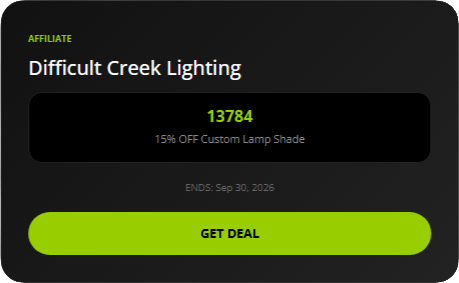
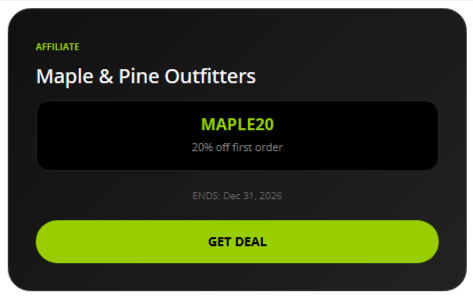
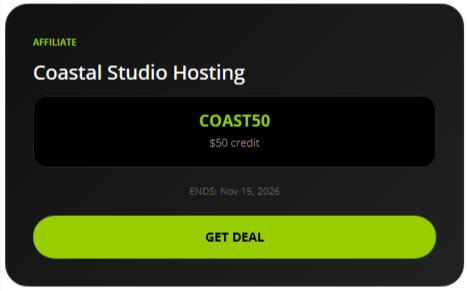
DealVault shows a list of your active partner deals and coupons on a page. When a visitor clicks GET DEAL on an affiliate deal, the click is recorded and the partner's page (the Target URL) opens in the same tab. On a coupon, the coupon code is copied to the visitor's clipboard, the click is recorded, and about a second later the product page opens in the same tab.
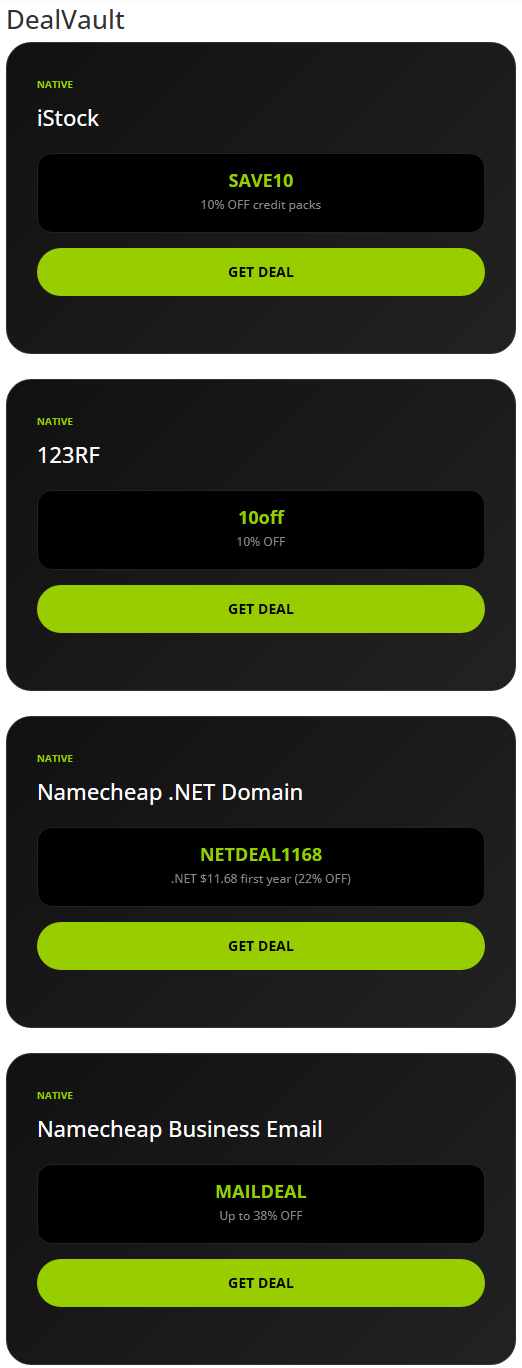
Step-by-step
Show deals on a page
- Edit the page in the Divi 5 Visual Builder.
- Insert the DealVault module.
- Place the module where you want the deals. In the Visual Builder the module shows a placeholder box, not the real deal list. The real deal list shows on the live page.

- Save and view the page.
The module has no settings to change. It lists all active deals. If there are no active deals, it shows nothing.
Test a deal
- Click GET DEAL on a deal on the page. Check that the right thing happens:
- Affiliate deal: the partner's page opens in the same tab.
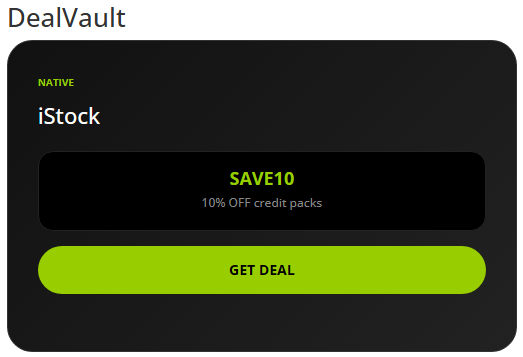
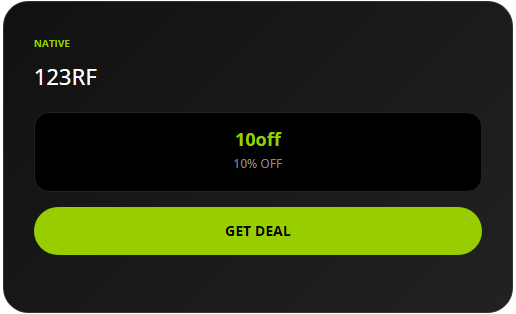
- Coupon: the card shows "Code copied: CODE", and about a second later the product page opens. If the browser blocks copying, the card shows "Your code: CODE" instead.
- Go back to PowerTools Suite → DealVault and check the click count and the Recent Click Log.
What visitors see
These are examples of finished deals on the front end. They are not steps.
Coupon deals:
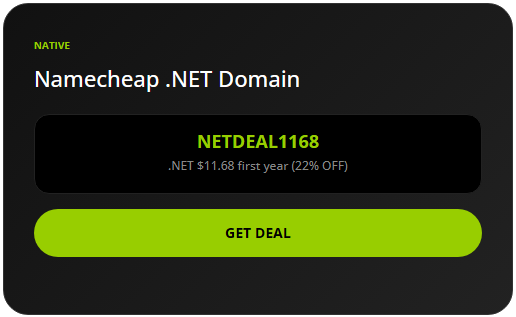
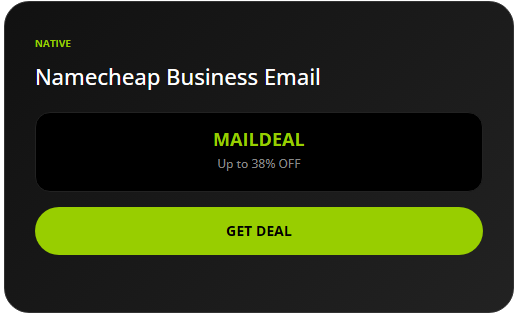
Affiliate deals (nothing is copied):
Tips & things to know
- Works with any store. Shoppers paste the copied code at checkout, so coupons work with any store or platform, such as WooCommerce, Shopify, Etsy, and others.
- Clicks from logged-in visitors are counted. Repeat clicks on the same deal within a few seconds count once, but the visitor is still sent on every time.
- If a visitor's browser blocks copying, the coupon card shows "Your code: CODE" so they can copy it by hand.
- Deal colors and fonts follow your Divi globals through our SafeColor Engine.
What it does not do
- It does not apply coupons in WooCommerce checkout. It copies the code for the visitor and records the click.
- It does not work with Divi 4.