Getting Started: PowerTools Suite for Divi 5
Applies to: All PowerTools packages
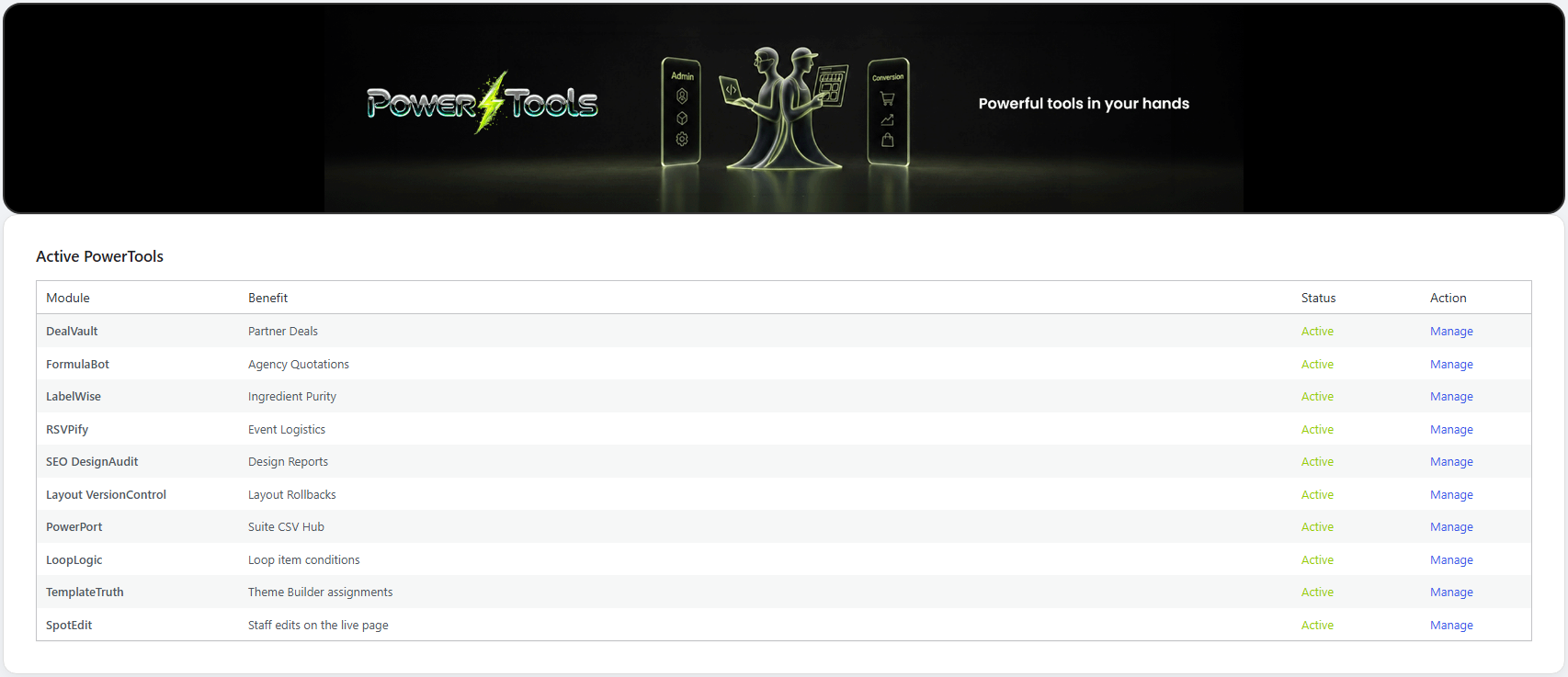
PowerTools Suite is a set of 10 tools from Divi Power that work inside Divi 5. This article explains what each tool does, where it lives, and what you need. To activate your license, see Getting Started: Activate Your License.
Who it's for
Agencies, freelancers, and site owners who build with Divi 5 and want practical tools for their clients and staff.
The 10 tools
Admin tools (you use these in WordPress admin):
| Tool | What it does |
|---|---|
| SpotEdit | Lets staff change marked text, links, and images on the live page without opening the Visual Builder. |
| LoopLogic | Shows or hides a module on each card in a Divi 5 Loop, based on that card's post or product. |
| TemplateTruth | Explains which Theme Builder header, body, and footer a page uses, and why. Read-only. |
| Layout VersionControl | Takes on-site snapshots of Divi layouts so you can restore one when an edit goes wrong. |
| SEO DesignAudit | Checks your published pages for common design and SEO issues, with a PDF and CSV report. |
| PowerPort | Imports CSV files into FormulaBot (leads and services), DealVault (deals), and RSVPify (attendees). |
Front-end modules (you place these on a page in the Divi 5 Visual Builder):
| Module | What it does |
|---|---|
| FormulaBot | An instant quote form. Visitors pick a service and add-ons, see a live total, and send a quote request. |
| DealVault | A list of partner deals and coupons. One click records the click and sends the visitor to the partner's page, or copies the coupon code and opens the product page. |
| RSVPify | Event details and an RSVP form, with a guest manifest for check-in. |
| LabelWise | A barcode scanner that looks up food product details from Open Food Facts. |
Before you start
- Divi 5. PowerTools Suite works only with Divi 5. It does not work with Divi 4 layouts.
- WordPress 6.7 or later (tested through 7.1) and PHP 7.4 or later.
- HTTPS on the site if you plan to use LabelWise (browsers only allow the camera over HTTPS).
- Working site email if you plan to use FormulaBot (quotes are sent through WordPress mail).
- The plugin is installed and activated in Plugins, the same way as any other WordPress plugin.
Step-by-step
Open the dashboard
- Go to PowerTools Suite in the WordPress admin menu.
- Review the dashboard. Each admin tool has its own item under PowerTools Suite (for example PowerTools Suite → SpotEdit).
Add a PowerTools module to a page
- Edit the page with Divi 5's Visual Builder.
- Click the plus icon to insert a module.
- Search for the module (FormulaBot, DealVault, RSVPify, or LabelWise) and click its icon.
- Save the page and view it on the front end.
You set up services, deals, and events in WordPress admin under PowerTools Suite. The modules display that content. Only RSVPify has settings in the Visual Builder: an Event ID field that tells it which event to show.
Tips & things to know
- Colors and fonts follow your Divi globals. Our SafeColor Engine reads your Divi global colors and fonts. When you change your globals, the modules, the SpotEdit pencil, and the admin screens update right away. You don't need to style anything.
- No shortcodes. Everything is a Divi 5 module or an admin screen.
- Uninstalling removes everything. If you delete the plugin, all of its data is removed, including snapshots, SpotEdit spots, leads, deals, guests, and settings, as WordPress requires. Export anything you want to keep first.
What it does not do
- It does not work with Divi 4 or with classic editor content.
- It does not use shortcodes.
- The modules don't hold your content. All setup is in WordPress admin (RSVPify's module only needs the event key).