Try the Demo: PowerTools Suite Demo Site
Applies to: All PowerTools packages
You can see the PowerTools Suite modules working on our demo site at powertools.divi-power.com before you build with them yourself.
Before you start
- Use any modern browser. To try LabelWise with a camera, use a phone, tablet, laptop, or a desktop that has a webcam.
- The demo is a shared test site. Don't enter real personal details.
Step-by-step
Test PowerTools
- Open powertools.divi-power.com and go to Test PowerTools.
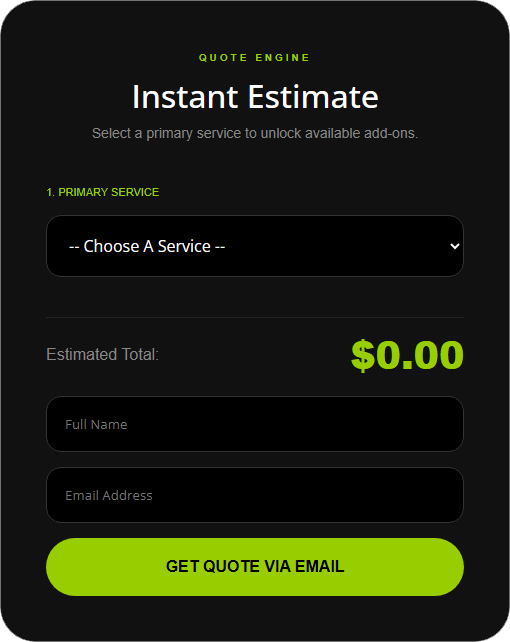
- Try FormulaBot. Pick a main service, tick a few add-ons, and watch the total update.
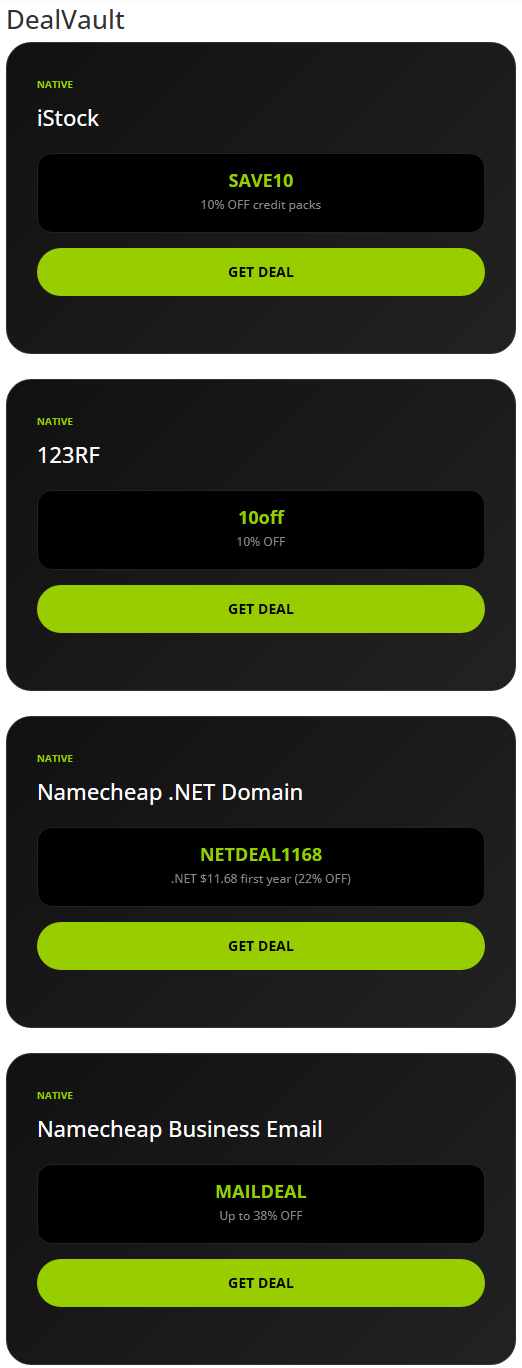
- Try DealVault. Click GET DEAL on a coupon to see the code copied to your clipboard and the card show "Code copied". The deals on the demo are real coupons from iStock, 123RF and Namecheap. GET DEAL copies the code and opens that merchant's page. Each merchant sets its own terms and can end a coupon at any time.
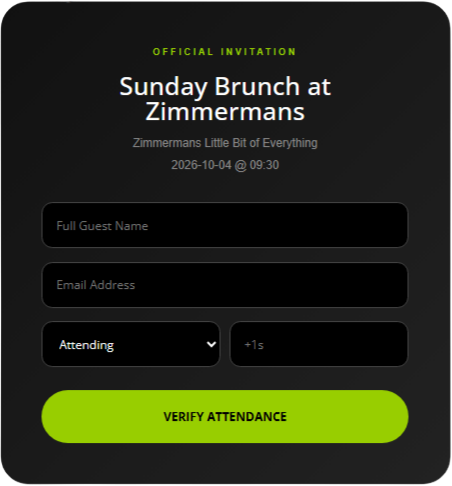
- Try RSVPify. Fill in the RSVP form and note the DPS-##### confirmation ID.
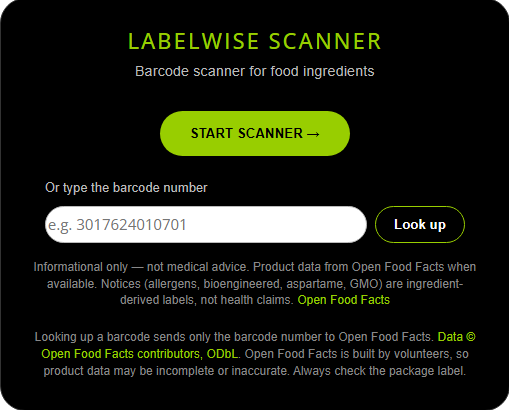
- Try LabelWise. Click Start Scanner. When your browser asks, allow the site to use your camera. Then scan a food barcode, or type a barcode number and click Look up. LabelWise works on a phone, tablet, laptop, or a desktop that has a webcam.
SpotEdit Menu Demo
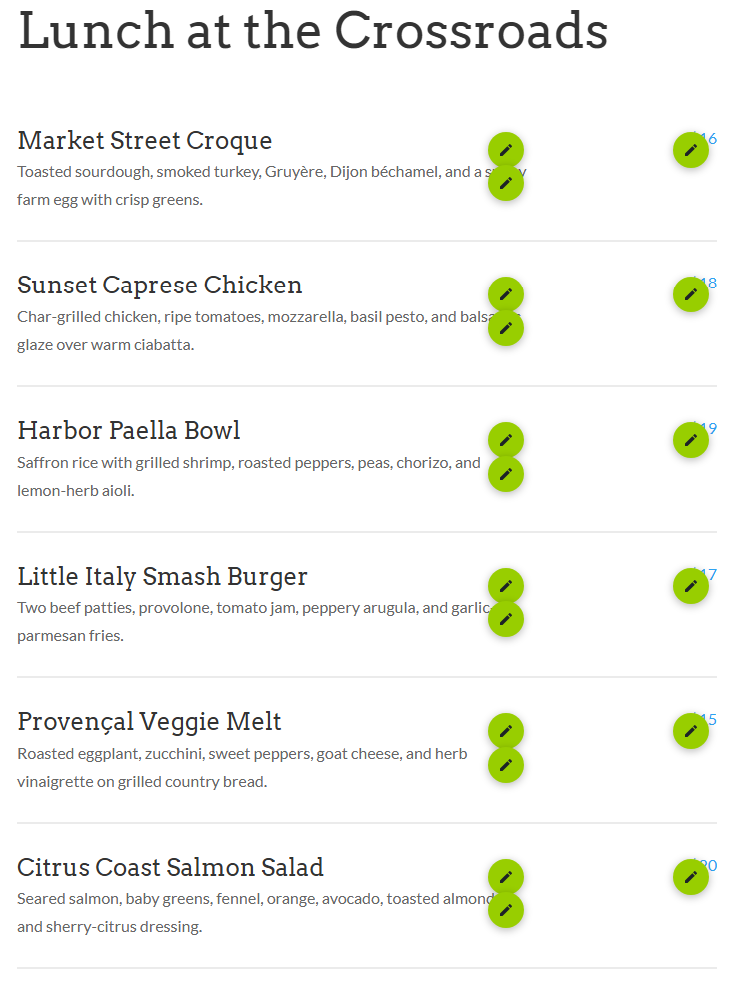
- Open SpotEdit Menu Demo. This is a restaurant-style menu page built in Divi 5.
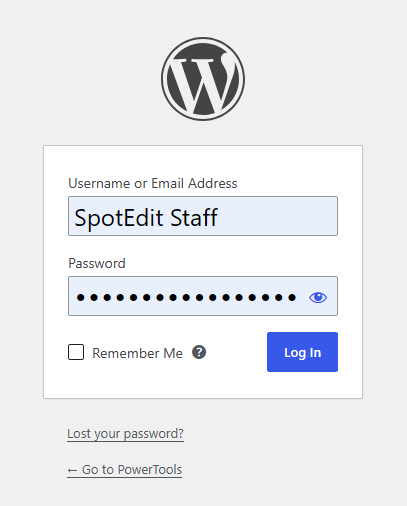
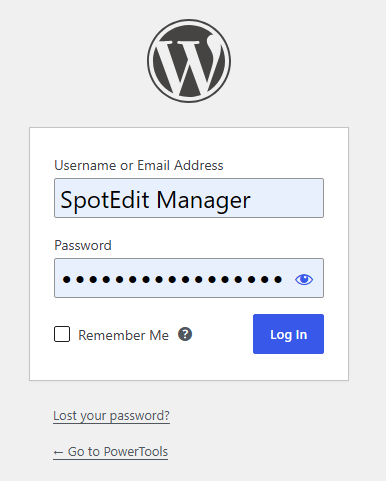
- Log in first. You must be logged in to see the green editable areas. Use the demo SpotEdit Staff or SpotEdit Manager login on the demo site's login page.
- Look at the green editable areas. These are the text, price, and image spots that staff can change from the live page. The jump links at the top take you to the image spots.
LoopLogic Lab
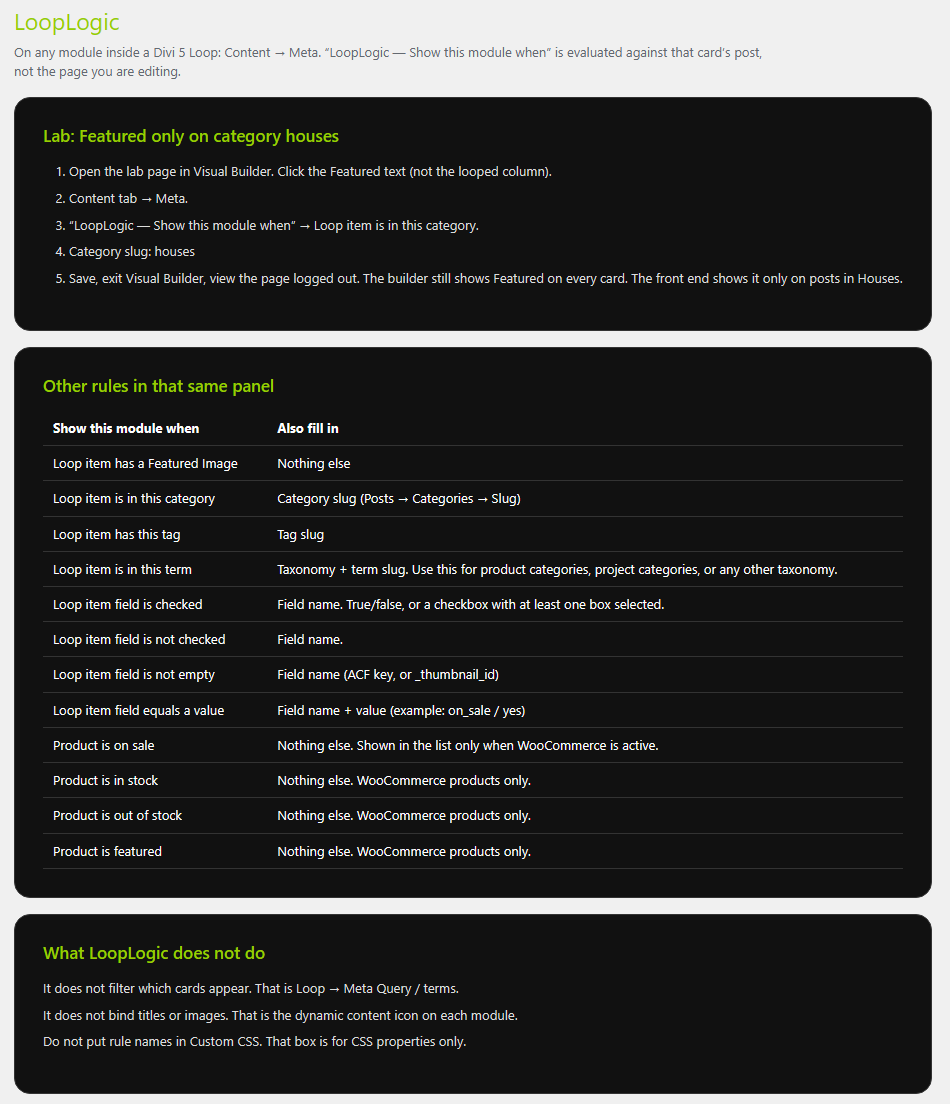
- Open LoopLogic Lab. Each section is a Divi 5 Loop.
- Compare the cards. Badges and lines appear on some cards and not others, because each rule checks that card's post, not the page.
Tips & things to know
- Anything you submit on the demo is test data.
- Each tool's admin screens are shown in screenshots throughout this knowledgebase, so you can see the admin side without logging in. To try the admin side, log in with the Tool Tester account shown on the demo site. It opens the PowerTools screens only, and the demo resets every night at 3 AM Eastern.
What it does not do
- The demo does not give you a license or a copy of the plugin.
- Data you enter on the demo is not kept for you.