FormulaBot: View and Export Leads (CSV)
Applies to: PowerTools Suite & Conversion Deck
When a visitor sends a quote request, you get the quote by email and the lead is saved in admin.
Step-by-step
- Go to PowerTools Suite → FormulaBot → Leads.

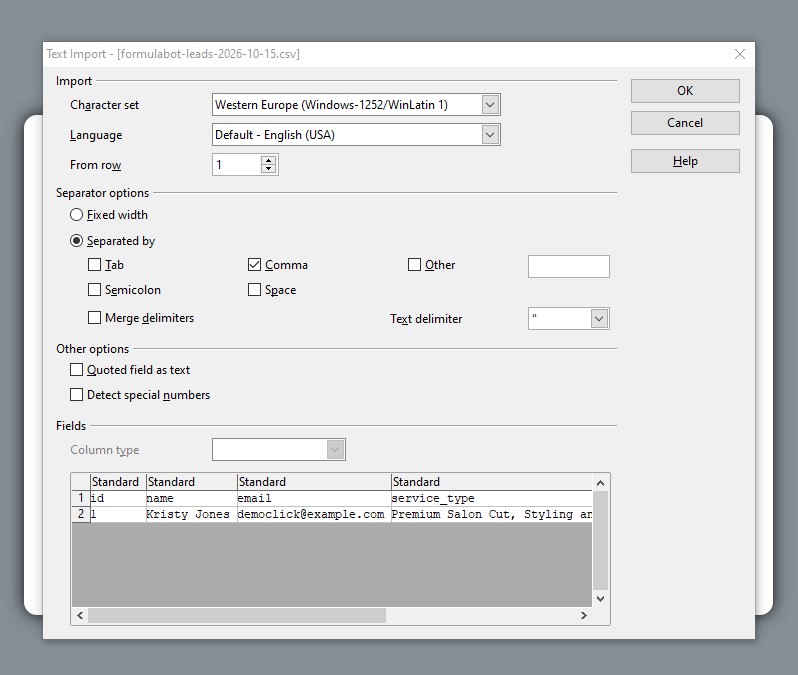
- Click Export CSV.
- Open the file in your spreadsheet app. Columns: id, name, email, service_type, total_quote, created_at.

What it does not do
- It is not a CRM. Leads stay in FormulaBot until you export them.