SpotEdit: Edit a Spot on the Live Page (Staff)
Applies to: PowerTools Suite & Agency Admin Deck
SpotEdit lets your staff change specific text, links, and images on the live Divi 5 page without ever opening the Visual Builder.
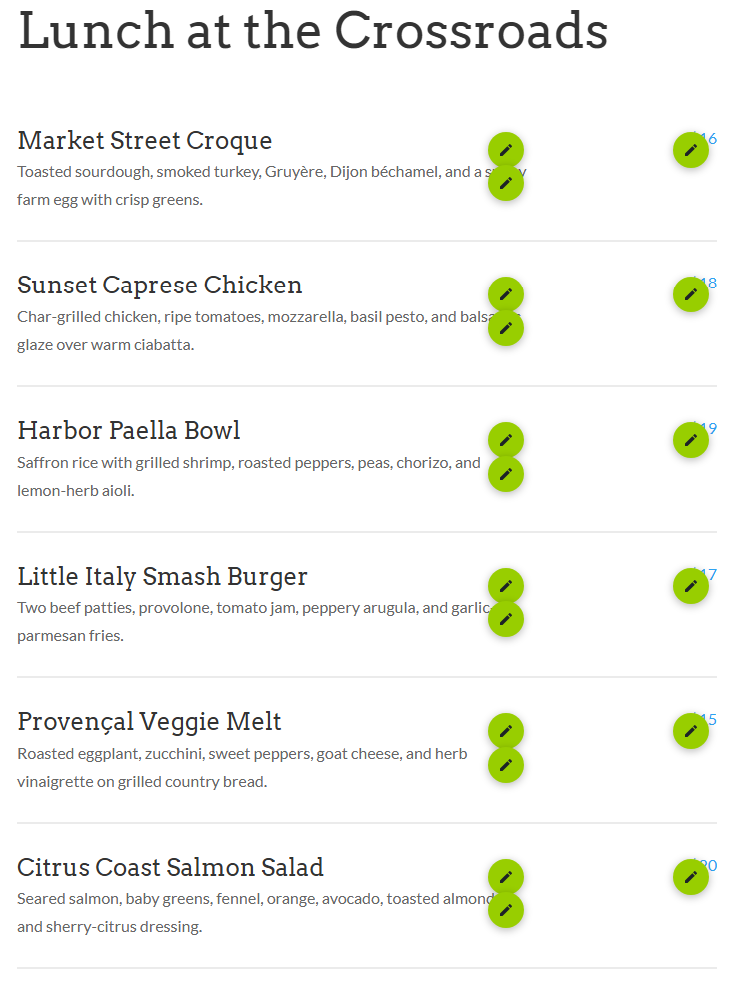
Step-by-step
- Log in to WordPress.
- Open the public page by its normal URL. Don't use Edit with Divi.
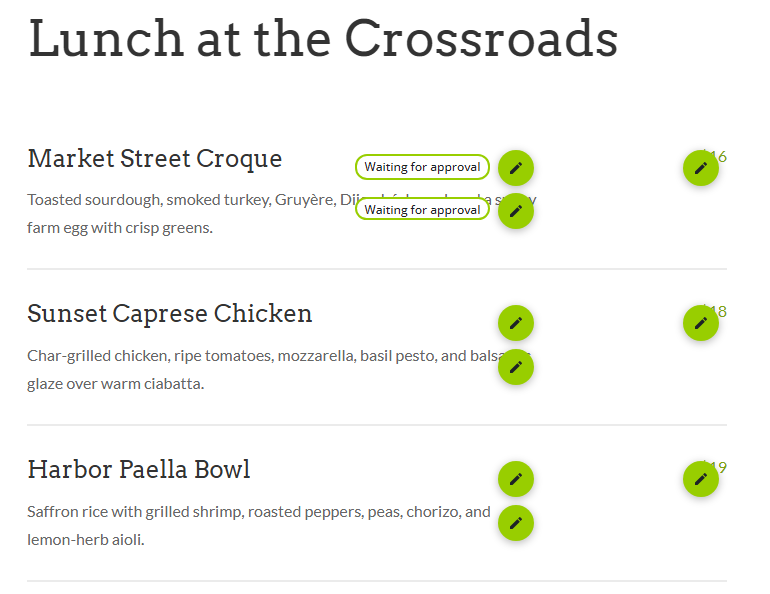
- Click the pencil on the spot you want to change.
- Change the text, link, or image, then click Save.
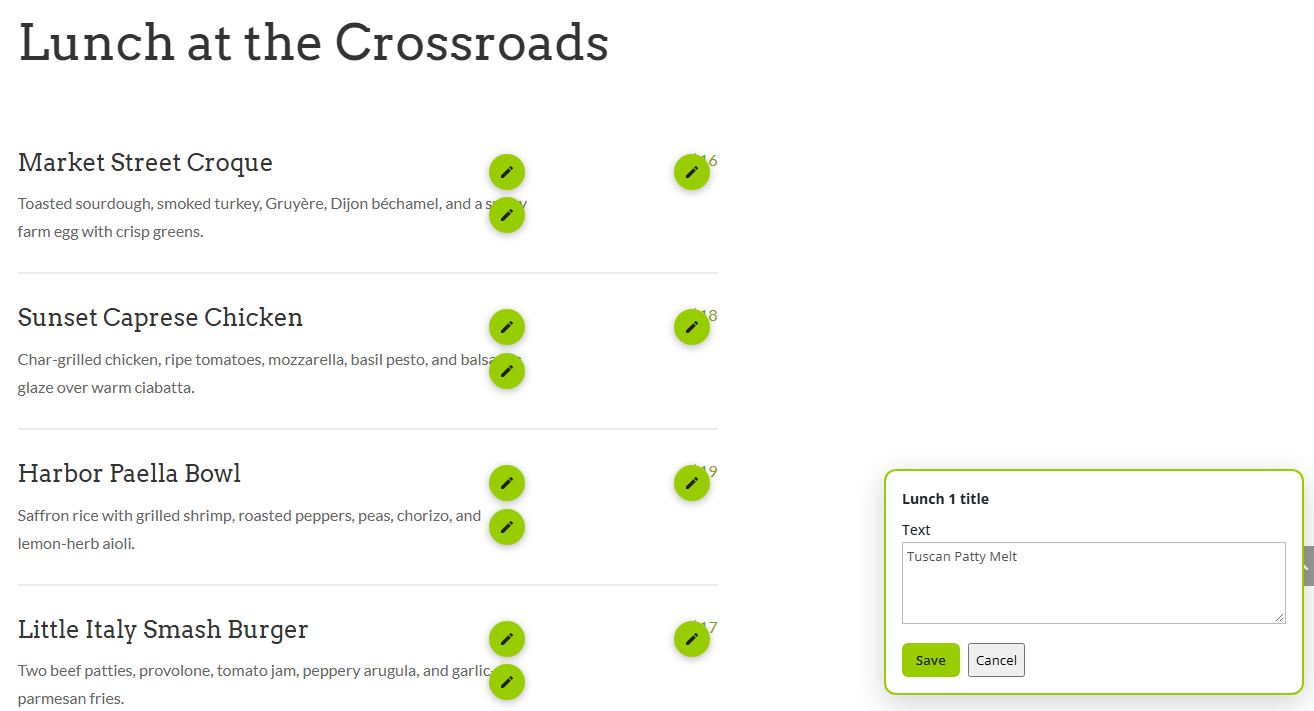
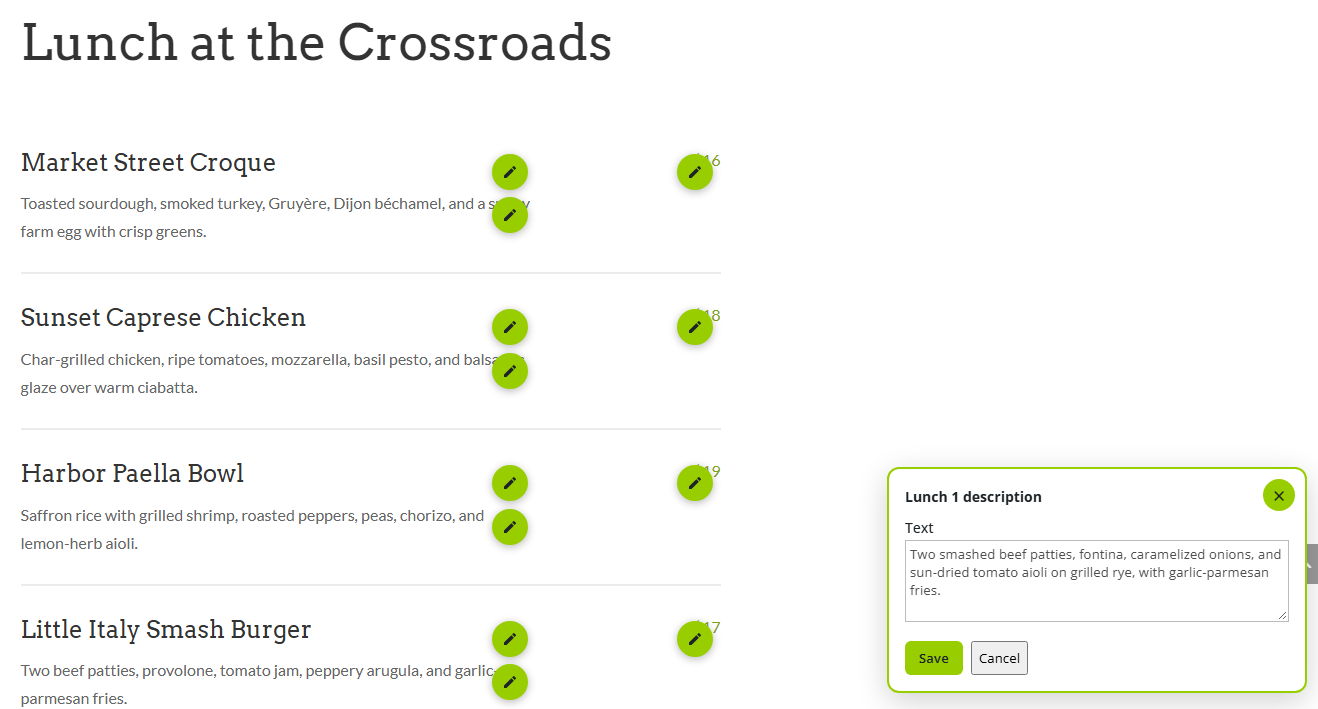
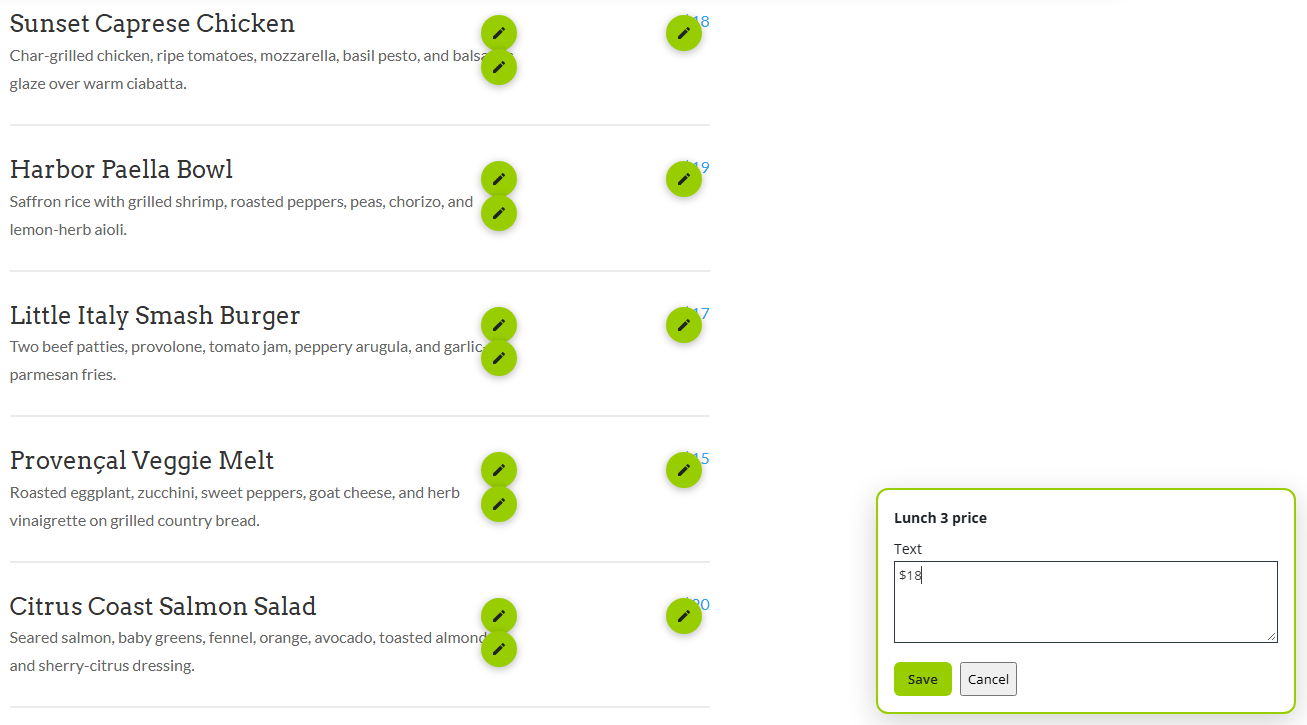
- Read the message. If the spot needs approval, the message says your change was sent and the live page doesn't change yet. If it doesn't need approval, your change is live right away.
Tips & things to know
- The pencil appears only for logged-in users who are allowed to edit. Visitors never see it.
- Images can be JPEG, PNG, GIF, or WebP. A crop ratio center-crops the upload to that shape.