Getting Started: Activate Your License
Applies to: All PowerTools packages
If you bought PowerTools Suite from our site, your download is a ZIP file whose name starts with dp-. That version has a License screen.
Before you start
- The plugin is installed and activated in Plugins, the same way as any other WordPress plugin.
Step-by-step
Activate your license (plugin bought from divi-power.com)
- Find your license key. We email your key after your order is marked Completed. Check your spam folder if you don't see it.
- Open the License screen. In WordPress admin, go to PowerTools Suite → License.
- Paste your key into the license key field.
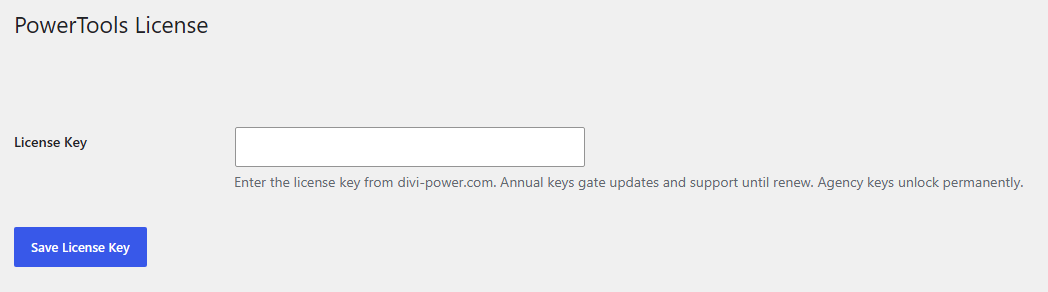
- Save or activate the key. The screen confirms the license is active.
License keys are annual. An active key gives you plugin updates and support for the year.
If you bought from the Elegant Themes Marketplace
The Marketplace version has no License screen. You don't need to enter a key. Updates come through the Marketplace.